RecordSlip for iPhone
Receipts in. Review first. Export when ready.
Turn scattered receipt photos and PDFs into records you can check before they leave your phone.
Available for iPhone. No account required to begin.
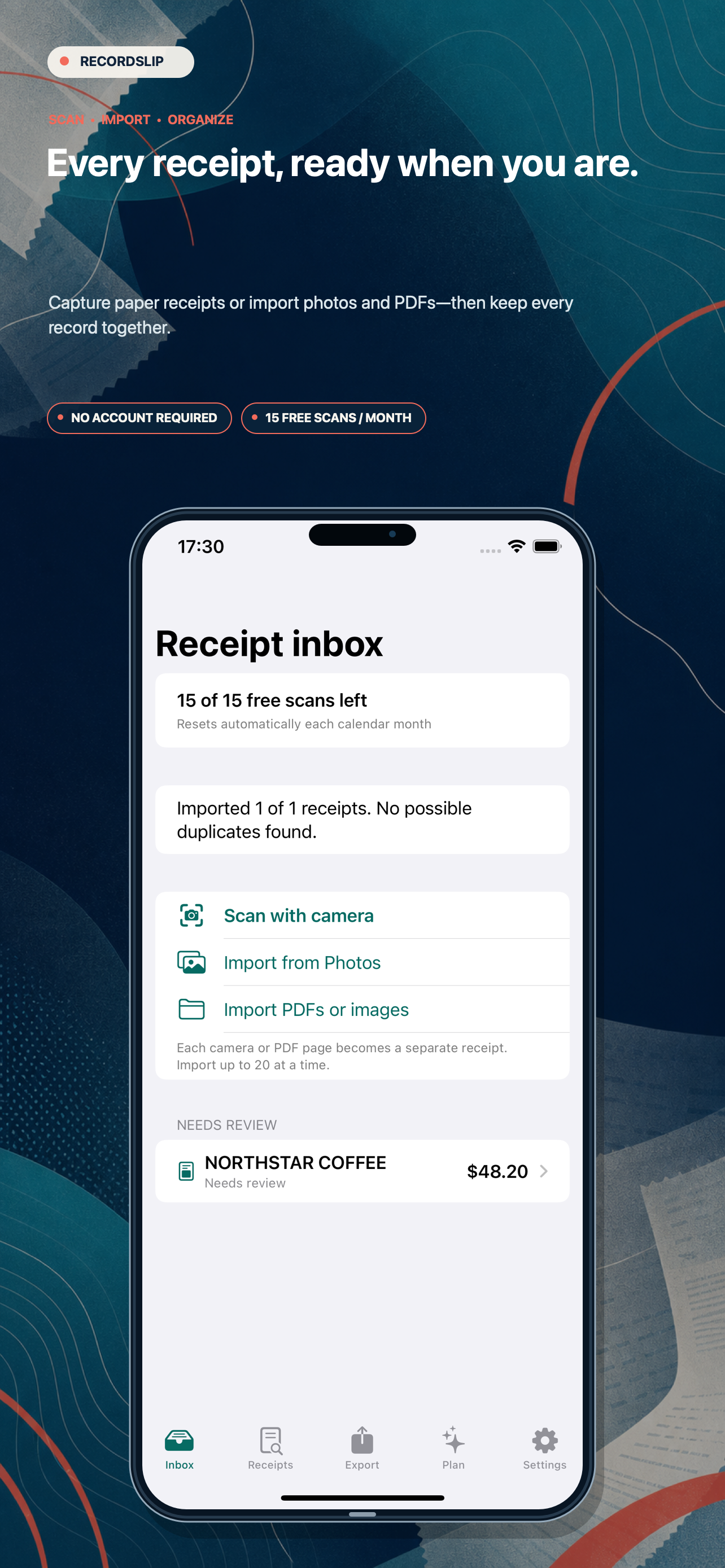
Made for iPhoneCapture, review, and export — without losing the source.
The real flow, screen by screen
More than an OCR result. A receipt workflow you can trust.
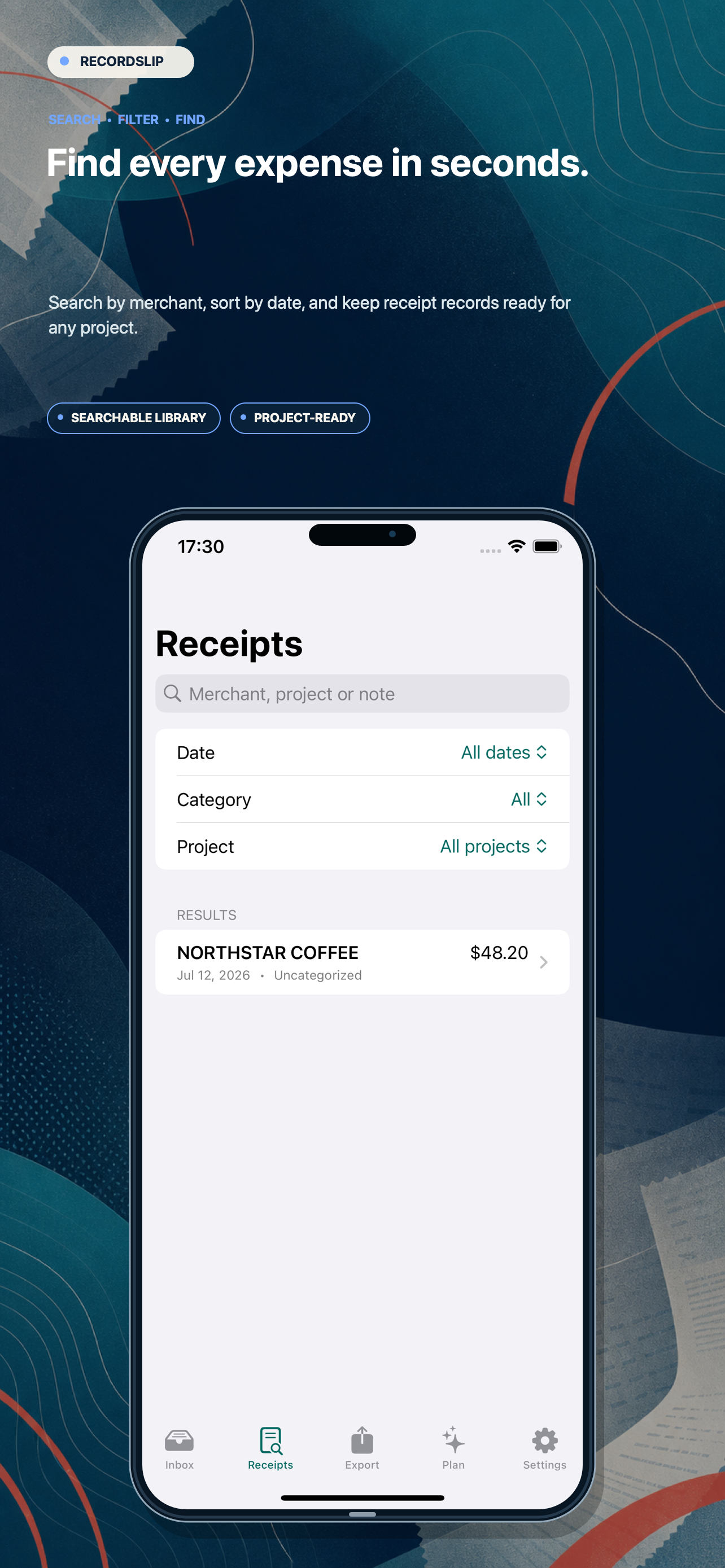
Every screen keeps you close to the receipt, makes uncertainty visible, and leaves the final handoff in your control.
A better receipt workflow
From camera roll to clear handoff.
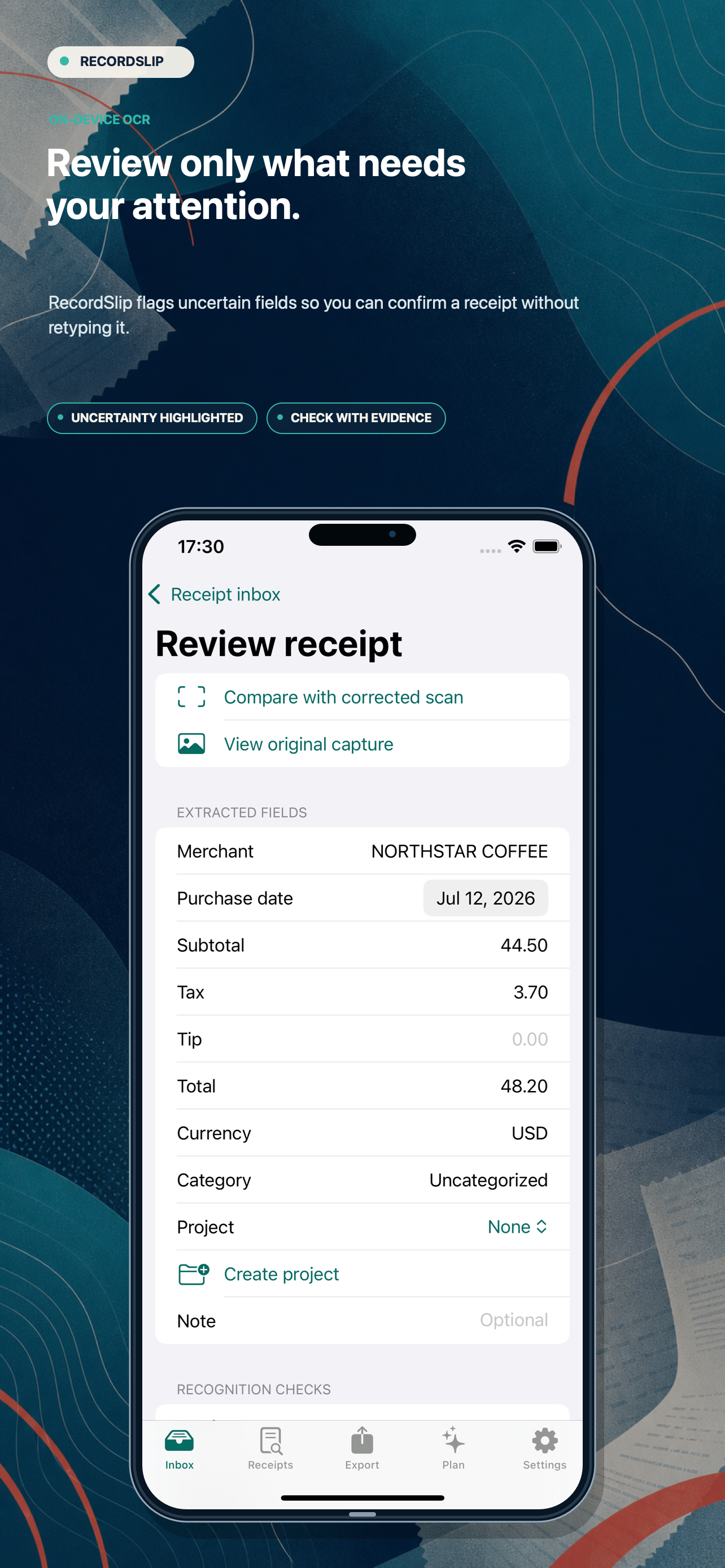
RecordSlip keeps the source and the extracted fields together so you can review ambiguous dates, totals, merchants, and tips instead of sending a spreadsheet full of guesses.
01
Bring receipts togetherScan or import the source documents.
02
Resolve the open questionsCheck fields RecordSlip marks as uncertain.
03
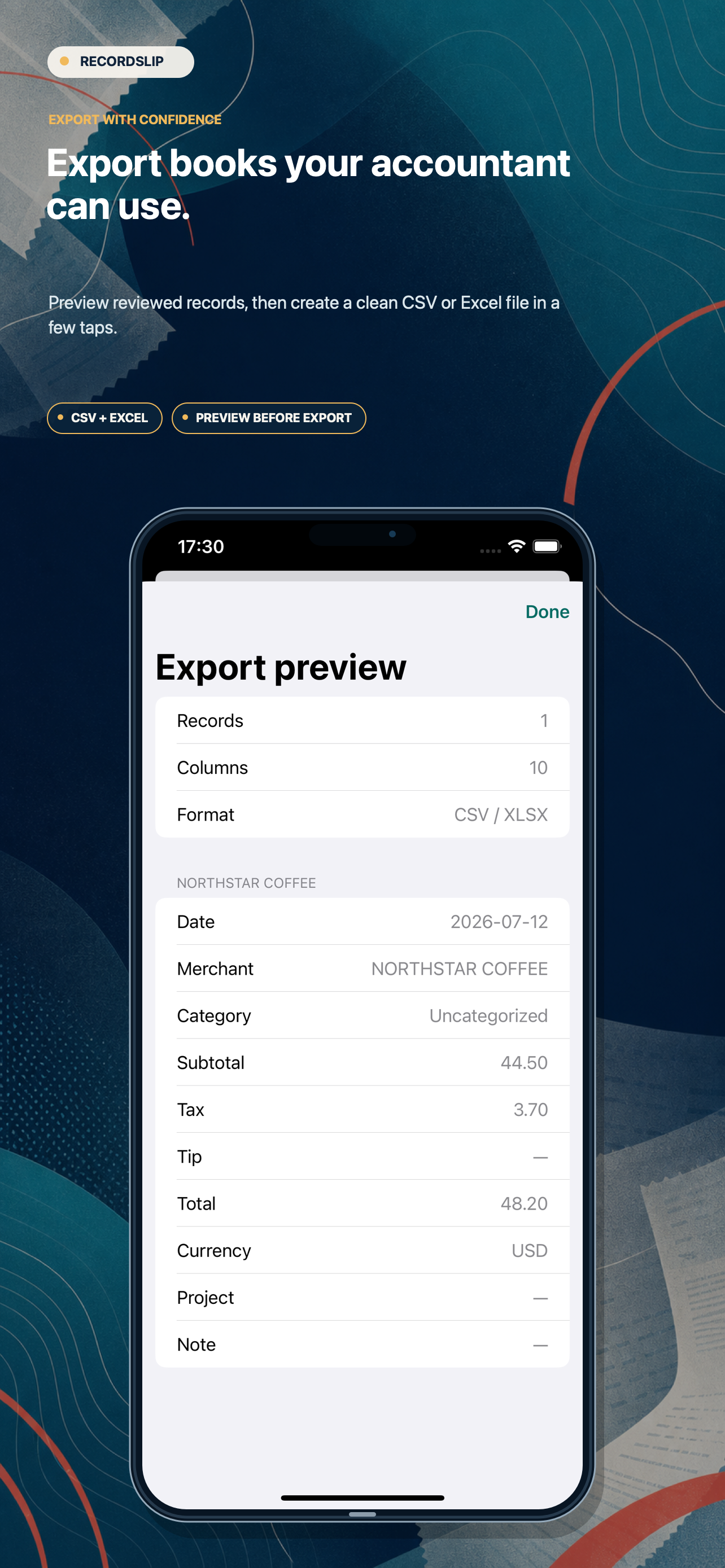
Export when it is readySend a cleaner CSV or Excel file onward.
Your records, still yours
Useful before the handoff. Careful all the way through.
RecordSlip prepares records for review and export. Verify all values before submitting an expense report or sharing them with an accountant.